
Runway Gen-4.5 · Runway guide
Iridescent butterfly wing
A macro close-up explores the iridescent facets of a black butterfly wing. Wings gently move
Use this prompt · Seedance 2.0 Fast
Create images and videos with credits. New accounts start with 0 credits. Add credits before generating. Seedance 2.5, Kling 3, Veo 3.1 and more.
Explore public Runway outputs and their original inputs. Direct Runway generation is unavailable here. Each link opens an editable draft with the named studio model.
Runway Gen-4.5 · Runway guide
A macro close-up explores the iridescent facets of a black butterfly wing. Wings gently move
Use this prompt · Seedance 2.0 Fast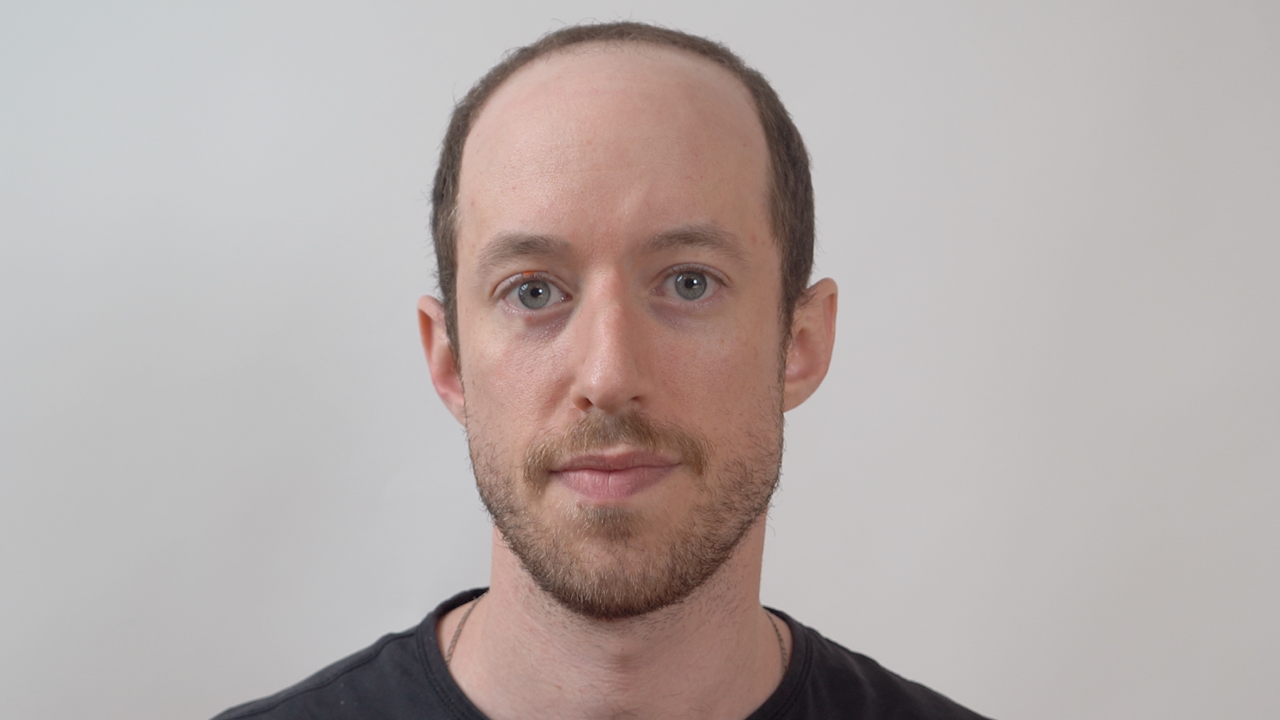
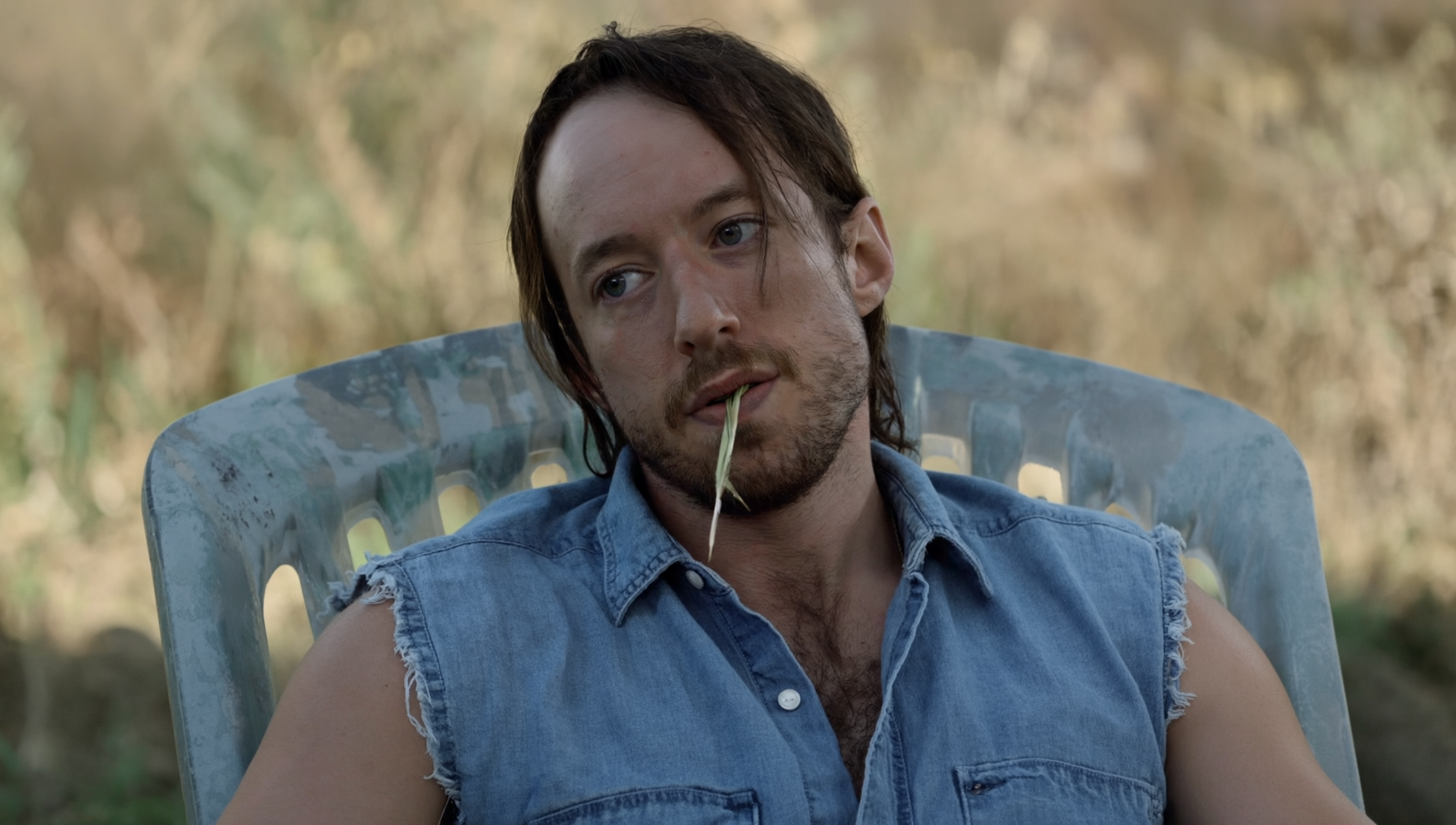
Runway Gen-4 Image References · Runway guide
@bryan wearing a denim shirt with the sleeves cut off. he holds a single piece of hay in his mouth. medium length hair in the back. sitting on a plastic lawn chair. cinematic muted color palette. shallow depth of field.
Use this prompt · GPT Image 2Seedance 2.5
Up to 30s clips with image, video and audio references.
Kling 4.0
Kuaishou's newest model: 3–30s clips at up to 1080p.
Wan 3.0
Up to 30s clips with native audio and lip-synced dialogue.

GPT Image 2.5
Generate and edit images with OpenAI's newest model.

Nano Banana 2.1
Google's image model: sharper detail and cleaner text.
Seedance 2.0
Multi-shot cinematic video with native audio and lip sync.
Match the Runway butterfly prompt to the movement in the clip.
Compare the reference portrait and output before opening AI Image.
Open the named model and review settings before submitting.
Select any batch result to preview or download it.
Place image and video nodes on Creative Canvas and save the layout.


Tell us what you make each month and we’ll point you to the plan that covers it.
Pick everything that applies
5 Seedance 2.5 videos35 credits
15 Seedance 2.0 videos75 credits
10 Nano Banana Pro images60 credits
Anything else you need
We recommend Pro
Billed annually, cancel anytime
Save $174 a year vs monthly
Have another question? Reach us at hi@runway.movie.
Last updated: Oct 24, 2026
Runway Movie is an independent creative workspace. Runway develops the Gen-4 models shown in the official examples.
Direct Runway generation is currently unavailable here. Each example names its original model and the separate model that opens in the studio.
Open AI Video, choose text or a reference image, and select a supported duration and aspect ratio. Review the quote before submitting.
Open AI Image to edit an uploaded reference or begin with text. The selected model determines the available sizes and output count.
Accounts begin at zero. The editor reserves the quoted credits for a job, settles on success, and releases the reservation on confirmed failure.
New accounts start with 0 credits. Add credits before generating.


